
Tips for Extending the Lifespan of Your IPTV UK Server Hardware
Maintaining your IPTV UK server hardware is crucial for consistent streaming quality. Learn expert tips on hardware care, cooling, updates, and more to extend its life.
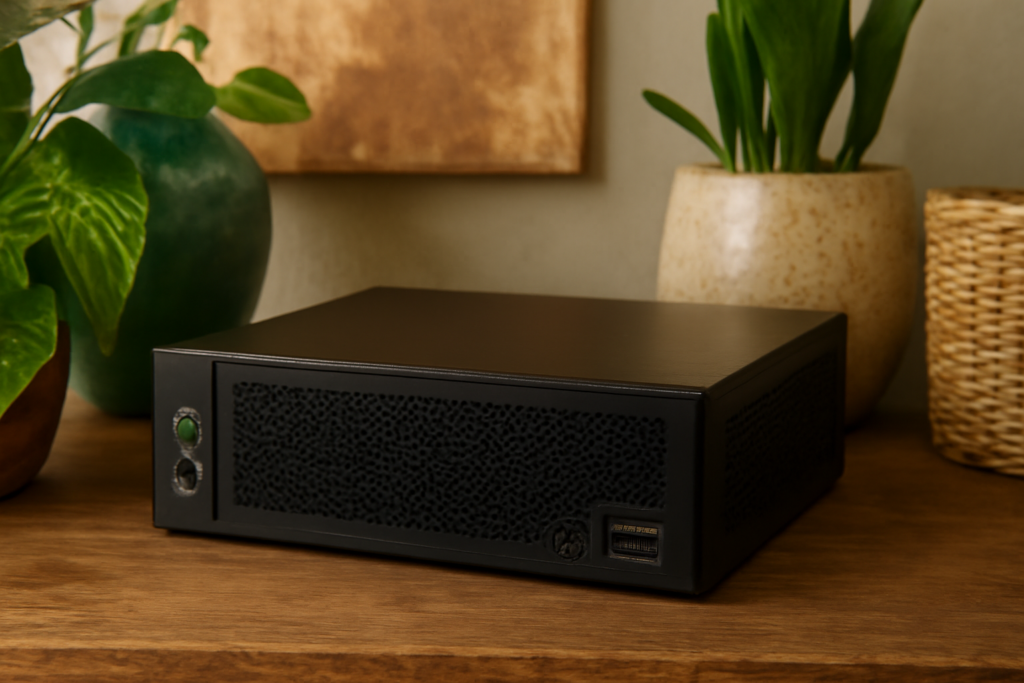
Tips for Extending the Lifespan of Your IPTV UK Server Hardware is the focus of this practical guide. The following sections explain useful options, key considerations and clear steps to help readers make an informed decision.
Introduction: Why Extending Your IPTV UK Server Hardware’s Lifespan Matters
For enthusiasts and professionals relying on IPTV services in the UK, the stability and longevity of server hardware directly impact streaming quality and service reliability. Proper maintenance not only saves money but also reduces downtime, ensuring seamless access to your favorite content. A well-maintained server minimizes interruptions, improves performance, and extends the overall lifespan of your investment. This comprehensive guide offers actionable insights into how to care for your IPTV server hardware, maximizing its operational lifespan and ensuring consistent service delivery.
Understanding Key Factors That Affect Hardware Longevity
Before diving into specific tips, it’s important to grasp what influences hardware durability. Several elements play roles, including operating environment, usage patterns, and maintenance routines. Recognizing these factors helps you implement effective strategies tailored to your setup, preventing premature failures and optimizing performance.
Environmental Conditions
Temperature, humidity, and dust levels significantly impact hardware health. Excessive heat accelerates component wear, leading to potential overheating and failure. Dust accumulation can clog cooling fans and vents, reducing airflow and causing thermal stress. Maintaining optimal environmental conditions is foundational for longevity. Ideally, server rooms should be climate-controlled, with temperature maintained between 18-24°C and humidity levels kept between 40-60%. Installing air filtration systems or regular cleaning routines can help keep dust at bay.
Usage Patterns
Constant high load or improper shutdowns can stress components, leading to early failure. Servers subjected to continuous heavy workloads without adequate cooling or rest periods tend to wear out faster. Properly balancing load, scheduling rest periods, and shutting down servers correctly—using proper shutdown procedures—can significantly extend hardware lifespan. For example, avoid abrupt power-offs, which can cause data corruption or hardware damage, and instead use controlled shutdown commands.
Practical Tips for Extending Your IPTV Server Hardware’s Life
- Maintain Optimal Cooling and Ventilation
- Keep the Environment Dust-Free and Temperature-Controlled
- Implement Regular Hardware Inspections
- Update Firmware and Software Responsibly
- Use Quality Power Supplies and Surge Protectors
- Limit Unnecessary Usage and Optimize Streaming Loads
- Maintain Proper Cable Management and Physical Setup
Overheating is a primary cause of hardware failure. Use high-quality cooling solutions such as reliable heat sinks, case fans, or liquid cooling systems. Ensure server placement allows for unobstructed airflow; avoid cramped spaces and blockages. Regularly check and clean cooling components to prevent dust buildup that can impede heat dissipation. Consider deploying temperature monitoring tools to alert you when temperatures exceed safe thresholds, enabling proactive intervention.
Regularly clean filters, vents, and fans to prevent dust accumulation. Use compressed air or specialized cleaning tools to remove dust from internal components. Maintaining a steady temperature, ideally between 18-24°C, prevents thermal stress that can degrade hardware over time. If your server is in a less controlled environment, consider investing in dedicated server rooms or enclosures with climate control features.
Schedule routine checks for signs of wear, loose connections, or corrosion. Early detection of issues like swollen capacitors, damaged cables, or abnormal noise can prevent catastrophic failures. Use diagnostic tools and software to monitor hardware health, including SMART status for drives and temperature sensors. Document inspection results to track hardware performance over time and plan timely replacements or repairs.
Keeping your server’s firmware and management software up to date ensures compatibility with new features and security patches. Updates often include stability improvements that can prevent hardware-related issues. Always back up configurations before applying updates and follow manufacturer instructions carefully to avoid accidental misconfigurations.
Power fluctuations can damage sensitive components. Invest in reliable Uninterruptible Power Supplies (UPS) and surge protectors to shield your hardware from electrical surges, outages, and voltage spikes. A UPS not only protects hardware but also allows for safe shutdown procedures during power failures, preventing data corruption and hardware stress.
Avoid overloading your server with simultaneous streams beyond its capacity. Use load balancing techniques to distribute demand evenly across multiple servers or resources. This reduces strain on individual components, prevents overheating, and prolongs hardware life. For example, if your server handles multiple streams, monitor CPU and RAM usage and upgrade hardware or optimize configurations as needed.
Proper cable organization prevents accidental disconnections and reduces airflow obstructions. Use cable ties, sleeves, and labels to keep cables tidy. Secure hardware mounts and avoid vibrations that could cause hardware loosening or damage over time. Proper physical setup minimizes wear and tear caused by accidental bumps or vibrations, especially in environments with frequent access or movement.
Additional Considerations for Long-Term Reliability
For those seeking optimal performance, consider investing in enterprise-grade hardware explicitly designed for continuous operation. These systems often feature enhanced cooling, redundant components, and higher durability standards. Establishing a proactive maintenance schedule—such as quarterly inspections and firmware updates—can catch potential issues early. Keeping detailed logs of hardware performance, repairs, and replacements helps identify patterns and plan future upgrades effectively.
Implementing Preventive Maintenance Strategies
Preventive maintenance is key to extending hardware lifespan. This includes:
- Regular cleaning of internal components and filters
- Monitoring hardware health metrics continuously
- Scheduling firmware and software updates during planned downtime
- Replacing aging components before failure occurs, such as hard drives or power supplies
- Testing backup systems and redundancy measures periodically to ensure reliability
Additional Tips for Optimizing IPTV Server Performance and Longevity
Beyond hardware care, optimizing your IPTV setup can reduce unnecessary strain on your server:
- Use efficient codecs and streaming protocols to reduce processing load
- Implement adaptive bitrate streaming to adjust quality based on network conditions, reducing bandwidth stress
- Ensure your internet connection and network hardware are robust enough to handle peak loads
- Regularly monitor server performance metrics to identify bottlenecks or potential issues early
FAQs: Tips for Extending the Lifespan of Your IPTV UK Server Hardware
Q1: How often should I perform hardware inspections?
Ideally, conduct thorough inspections every 3 to 6 months, depending on usage intensity and environmental conditions. Regular checks help catch issues early and prevent unexpected failures.
Q2: Can software updates harm my server hardware?
When performed correctly and with proper backups, software and firmware updates generally enhance stability and security. However, always follow manufacturer instructions and test updates in a controlled environment if possible.
Q3: What are signs that my hardware is failing?
Signs include frequent crashes, unusual noises, overheating, slow performance, or error messages during operation. Early detection allows for timely repairs or replacements, preventing data loss or downtime.
Q4: Is enterprise-grade hardware worth the investment?
For critical or high-traffic IPTV services, enterprise hardware offers increased durability, redundancy, and support, which can justify the higher initial cost by reducing downtime and maintenance expenses over time.
Conclusion: Ensuring Your IPTV UK Server Delivers Reliable Service Long-Term
Extending the lifespan of your IPTV UK server hardware requires a combination of environmental care, routine inspections, and hardware updates. By implementing these best practices, you can reduce downtime, improve streaming quality, and maximize your investment. Regular maintenance, proper setup, and proactive monitoring are essential for long-term reliability. For added security, consider using trusted services such as Best VPNs for Securing Your Premium IPTV Stream in the UK to protect your setup from cyber threats and unauthorized access.
