
How Many Devices Can Use One IPTV Subscription in the UK? Simultaneous Streams Explained
How many devices can use one IPTV subscription in the UK? Learn the difference between installed devices, simultaneous streams, connection limits and broadband needs.

How many devices can use one IPTV subscription? That question sounds simple, but there are usually two different limits hiding behind it: how many devices can have the IPTV player installed, and how many devices can actually stream at the same time. Those are not always the same thing.
Table of contents
- Devices vs simultaneous streams
- What does one connection mean?
- How multi-device IPTV works in a UK home
- How broadband affects multiple streams
- How to set up IPTV on multiple devices
- What happens when you exceed the connection limit?
- Troubleshooting multi-device IPTV
- How many simultaneous streams should you choose?
- Frequently asked questions
IPTV devices vs simultaneous streams: the important difference
When people say they want IPTV on “three devices”, they may mean three devices where the player is installed. That is different from saying three screens should be playing at the same time.
| Term | What it usually means |
|---|---|
| Installed device | A TV, streaming stick, phone, tablet or other compatible device where you have set up the player. |
| Active stream | A device that is currently playing live TV or another stream. |
| Simultaneous connection | The number of active streams your subscription permits at the same time. |
This distinction is useful because a household could have the player installed on a living-room TV, bedroom TV and phone, but only one screen may be permitted to play at a particular moment. The subscription’s connection rules decide that part.

What does “one IPTV connection” mean?
In most IPTV subscription discussions, a connection refers to one stream being active at a time. It does not automatically mean that the player can only be installed on one piece of hardware.
For example, imagine a household has IPTV set up on:
- the main Smart TV;
- a second television in the bedroom;
- a Fire TV or Android TV device;
- a phone used occasionally while travelling.
If the subscription permits only one simultaneous stream, starting playback on a second screen can trigger a connection-limit error, interrupt another stream, or simply prevent the new stream from starting. The exact behaviour depends on the service and player.
There is no universal IPTV rule saying every subscription must allow a particular number of connections. Always check the provider’s current terms rather than relying on a number shown on another website.
How multi-device IPTV works in a UK home
Multi-device viewing becomes useful when different people in the same household want to watch different content. One person might use the main TV while another uses a bedroom TV or another compatible device.
Example: one active stream
A single connection can be enough when only one person normally watches at a time. The player can be installed on more than one compatible device if the service allows it, but only one stream is active at any given moment.
Example: two active streams
If two people regularly watch different programmes at the same time, the relevant question is whether the subscription supports two simultaneous connections. Simply installing the same player on two televisions does not guarantee that both streams will be accepted.
Example: family viewing across several rooms
For a larger household, count the screens that are likely to be playing at the same time, rather than counting every device that might ever be used. This gives you a more useful starting point when comparing subscription terms.
How broadband affects multiple IPTV streams
Even when a subscription allows multiple simultaneous streams, your home network still needs to carry the traffic. The available bandwidth is shared with phones, laptops, game consoles, downloads, video calls and other connected devices.
Ofcom’s current broadband guidance notes that homes with several people online at once, or households that stream a lot of video, can benefit from higher-speed broadband. Ofcom also recommends checking whether other people or devices are using the connection for data-heavy activities when troubleshooting slow or unreliable Wi-Fi. Ofcom broadband guidance and Ofcom Wi-Fi troubleshooting.
The important point is that there is no single IPTV bandwidth figure that works for every service. Stream resolution, compression, bitrate, network conditions and other household activity all affect the result.
Why two streams can feel different from one
One stream may work perfectly while two streams reveal a weak Wi-Fi signal or a busy home network. The problem may be local network capacity rather than the IPTV player itself.
Wi-Fi vs Ethernet
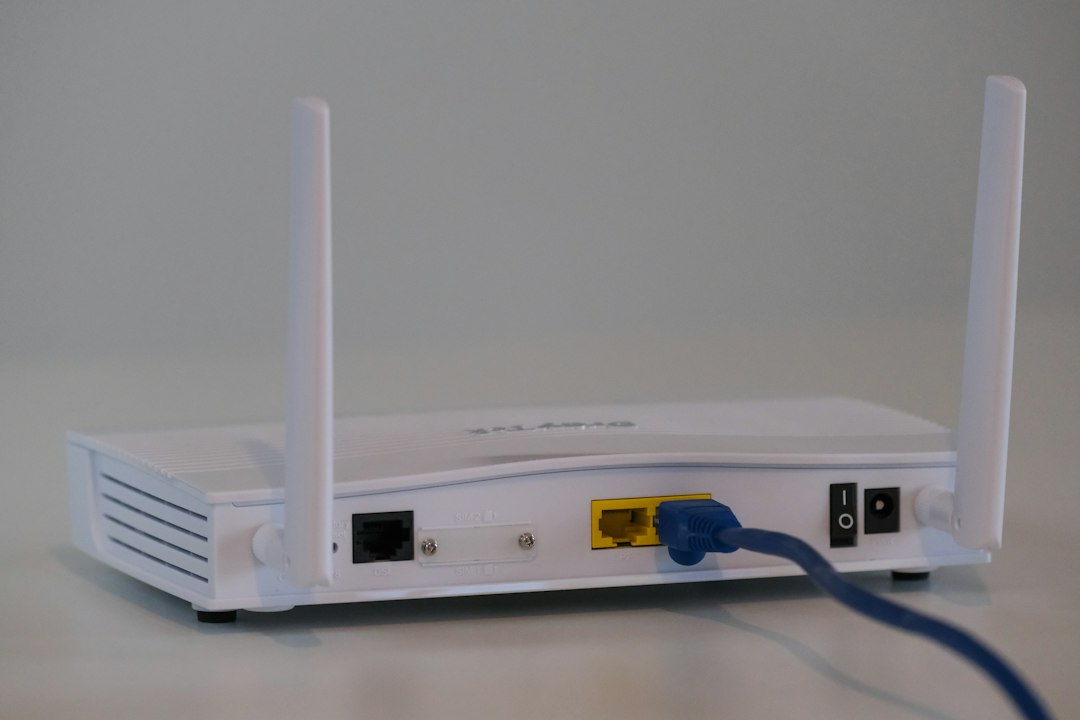
If a television or streaming device supports Ethernet, a wired connection can remove Wi-Fi signal strength and interference from part of the troubleshooting process. It does not fix a source-side problem, but it can make the local connection easier to diagnose.
For a wider explanation of IPTV data consumption, see our UK IPTV data usage guide.
How to set up IPTV on multiple devices
The exact steps depend on the device and player, but the overall process is usually similar.
1. Check the subscription terms
Before installing the player everywhere, find out how many simultaneous connections are included and whether the provider has any separate device-registration rules.
2. Check every device
Confirm that each TV, streaming device or mobile platform is compatible with the player you intend to use. Our IPTV Installation Guide covers common device categories.
3. Install the compatible player
Use the appropriate official app store or supported installation method for the device. Avoid random modified applications or download sites that ask you to weaken security settings.
4. Add your authorised access details
Depending on the player, this could be an M3U/M3U8 playlist, Xtream Codes details or another supported login method. Enter the information exactly as supplied by the service you are authorised to use.
5. Test one device first
Get the first screen working before adding several more. This makes it easier to tell whether an issue is caused by the basic account setup or by multi-device use.
6. Test simultaneous playback
If your plan is supposed to support multiple active streams, test the number of streams allowed by the plan. Use different channels or content so you can see whether each connection remains stable.
What happens if you exceed the IPTV connection limit?
There is no single error message used by every IPTV service. Depending on the service and player, you might see a maximum-connections message, an authorisation error, a failed playback attempt, or an existing stream may be interrupted.
Before assuming the subscription is broken, check whether another television, phone or streaming device is still playing. A device that was left running can sometimes remain connected until the session ends.
Multi-device IPTV troubleshooting checklist
Only one TV works at a time
Check the plan’s simultaneous-stream limit first. If it is a single-connection subscription, two active TVs may not be supported.
The second device says the account is already in use
Look for another active stream. Fully close the IPTV player on devices that are no longer being used, then allow any old session time to clear if the service uses session timeouts.
Both devices work but playback buffers
Test the network with other household activity reduced. Check Wi-Fi strength, router placement and whether one device is consuming substantially more bandwidth.
One device works and another cannot log in
Check the second device’s app compatibility and the exact login method it supports. Do not assume that every player accepts every M3U, Xtream or portal format.
The problem happens only at busy times
Compare the same setup at different times and test more than one stream. If the local network is busy, other household usage can affect playback. If your home connection remains stable but a particular source consistently fails, contact the service’s support team with the device and error details.
How many simultaneous IPTV streams should you choose?
There is no universal number that is right for every household. A useful way to decide is to think about your normal viewing routine.
| Household situation | What to check |
|---|---|
| One person normally watches | Check whether a single active stream meets your needs. |
| Two people often watch different content | Check for a plan that explicitly permits two simultaneous streams. |
| Several TVs may play at once | Count the maximum number of screens likely to be active together. |
| Different devices are used at different times | Focus on the simultaneous-stream rule rather than the total number of installations. |
Also consider your broadband connection. A subscription can permit several streams while your home network struggles to deliver them consistently. Ofcom’s current consumer guidance specifically recommends considering how many people are online and what they are doing when choosing broadband capacity. See Ofcom’s broadband advice.
Is multi-device IPTV the same as screen mirroring?
No. Multi-device IPTV means separate devices are independently accessing the service. Screen mirroring or casting is a different process in which one device sends or mirrors content to another display.
If you need two people to watch different channels at the same time, screen mirroring does not solve a subscription’s simultaneous-connection limit. You need to check what the service permits for independent active streams.
Security and account-sharing considerations
- Keep usernames, passwords and playlist URLs private.
- Do not post complete login details in screenshots or public forums.
- Use official app stores where possible.
- Keep streaming devices and their software updated.
- Only use IPTV services and content you are legally authorised to access.
- Check the provider’s terms before sharing an account outside your household.
Frequently asked questions
Can I install IPTV on more than one device?
That depends on the service’s terms. Many IPTV setups can be installed across several compatible devices, but the number of simultaneous streams can still be restricted.
Does one IPTV connection mean one device?
Not necessarily. In many subscription systems, a connection refers to an active stream rather than every device where the player is installed.
Can two TVs watch IPTV at the same time?
Only if the subscription and service allow at least two simultaneous streams. Check the current plan terms before relying on multi-room viewing.
Why does one TV stop when another starts?
A common reason is that the account has reached its simultaneous-connection limit. Check whether another device is already streaming and confirm the plan’s connection allowance.
Does better broadband increase my IPTV subscription’s connection limit?
No. Broadband capacity and the subscription’s connection allowance are separate. A faster connection can help your home network handle multiple streams, but it does not change the number of streams permitted by the account.
How can I reduce buffering when several devices are streaming?
Check Wi-Fi signal quality, reduce other heavy network activity, test Ethernet where supported and compare playback across different channels. Ofcom also recommends checking whether other devices are using the connection for data-heavy activities when troubleshooting Wi-Fi problems.
Can I use the same IPTV login on a TV and phone?
Only if the service’s terms allow those devices and the player supports the same access method. Even where multiple installations are allowed, simultaneous playback may still be limited.
Final thoughts
The key to multi-device IPTV is understanding the difference between where an IPTV player is installed and how many streams are active at the same time. Once you know that distinction, choosing and troubleshooting a multi-room setup becomes much easier.
Before subscribing or changing devices, check the connection allowance, device compatibility, broadband capacity and support terms. You can also review the UKStreamDeals pricing, customer reviews, FAQs and Installation Guide.
