
How Much Data Does IPTV Use? UK Guide to GB per Hour and Month
Find out how much data IPTV uses per hour and per month, estimate HD and 4K streaming consumption, and manage usage on UK broadband, mobile data and hotspots.
IPTV data usage depends mainly on the stream’s bitrate, picture quality and how long you watch. As a practical planning estimate, a stream averaging 5 Mbps uses about 2.25 GB per hour, while a 20 Mbps stream uses about 9 GB per hour. These are calculations, not fixed figures for every IPTV channel or app.
If you watch over home broadband with unlimited data, the total may not affect your bill. If you use a capped broadband package, a mobile hotspot or a phone’s data allowance, however, a few hours of live TV can add up quickly. This UK-focused guide explains how to estimate your usage, plan a monthly allowance and reduce consumption without making unnecessary changes.
Quick answer: how much data does IPTV use per hour?
There is no universal figure for SD, HD or 4K IPTV. Resolution gives you a rough clue, but the stream’s actual bitrate is what determines how much data is transferred. Use the ranges below as broad planning examples rather than guarantees.
| Example stream bitrate | Approx. data per hour | Approx. data for 2 hours |
|---|---|---|
| 2 Mbps | 0.9 GB | 1.8 GB |
| 3 Mbps | 1.35 GB | 2.7 GB |
| 5 Mbps | 2.25 GB | 4.5 GB |
| 8 Mbps | 3.6 GB | 7.2 GB |
| 15 Mbps | 6.75 GB | 13.5 GB |
| 20 Mbps | 9 GB | 18 GB |
These estimates use the simple conversion GB per hour ≈ bitrate in Mbps × 0.45. Actual usage can differ because of the stream’s encoding, audio, variable bitrate, app behaviour and other network traffic.
What affects IPTV data consumption?
1. Bitrate and picture quality
A higher-bitrate stream transfers more information every second. That often goes with higher resolution, but resolution alone does not tell the whole story. Two streams labelled “Full HD” can use different amounts of data if their bitrates and compression differ.
2. What you are watching
Fast-moving footage, such as live sport, can require a different bitrate from a mostly static studio programme. The amount varies by encoding and service, so do not assume every channel uses the same data each hour.
3. How long the stream stays open
Live TV continues transferring data while it plays. Leaving a channel running when nobody is watching can therefore use data unnecessarily. Close the player or stop playback when you have finished.
4. Number of screens
If two televisions stream at the same time, each stream contributes to the household total. A useful estimate is to calculate each screen separately and add the results together.
How to estimate your monthly IPTV data usage
Use this simple formula:
Monthly data (GB) ≈ bitrate (Mbps) × viewing hours per day × days watched × 0.45
For example, if a stream averages 5 Mbps and you watch for two hours a day over 30 days:
- 5 × 2 × 30 × 0.45 = 135 GB per month
That is an estimate for one stream. Add other televisions, phones, tablets and household internet use when comparing it with a monthly data allowance.
Example monthly totals for one screen
The table below shows what different average bitrates would use if you watched for two hours a day for 30 days.
| Average bitrate | Daily viewing | Estimated monthly data |
|---|---|---|
| 2 Mbps | 2 hours | 54 GB |
| 3 Mbps | 2 hours | 81 GB |
| 5 Mbps | 2 hours | 135 GB |
| 8 Mbps | 2 hours | 216 GB |
| 15 Mbps | 2 hours | 405 GB |
| 20 Mbps | 2 hours | 540 GB |
These are arithmetic examples, not measurements of UKStreamDeals or any particular provider. Your actual total depends on the stream you receive and your viewing pattern.
Does IPTV use mobile data on a phone or hotspot?
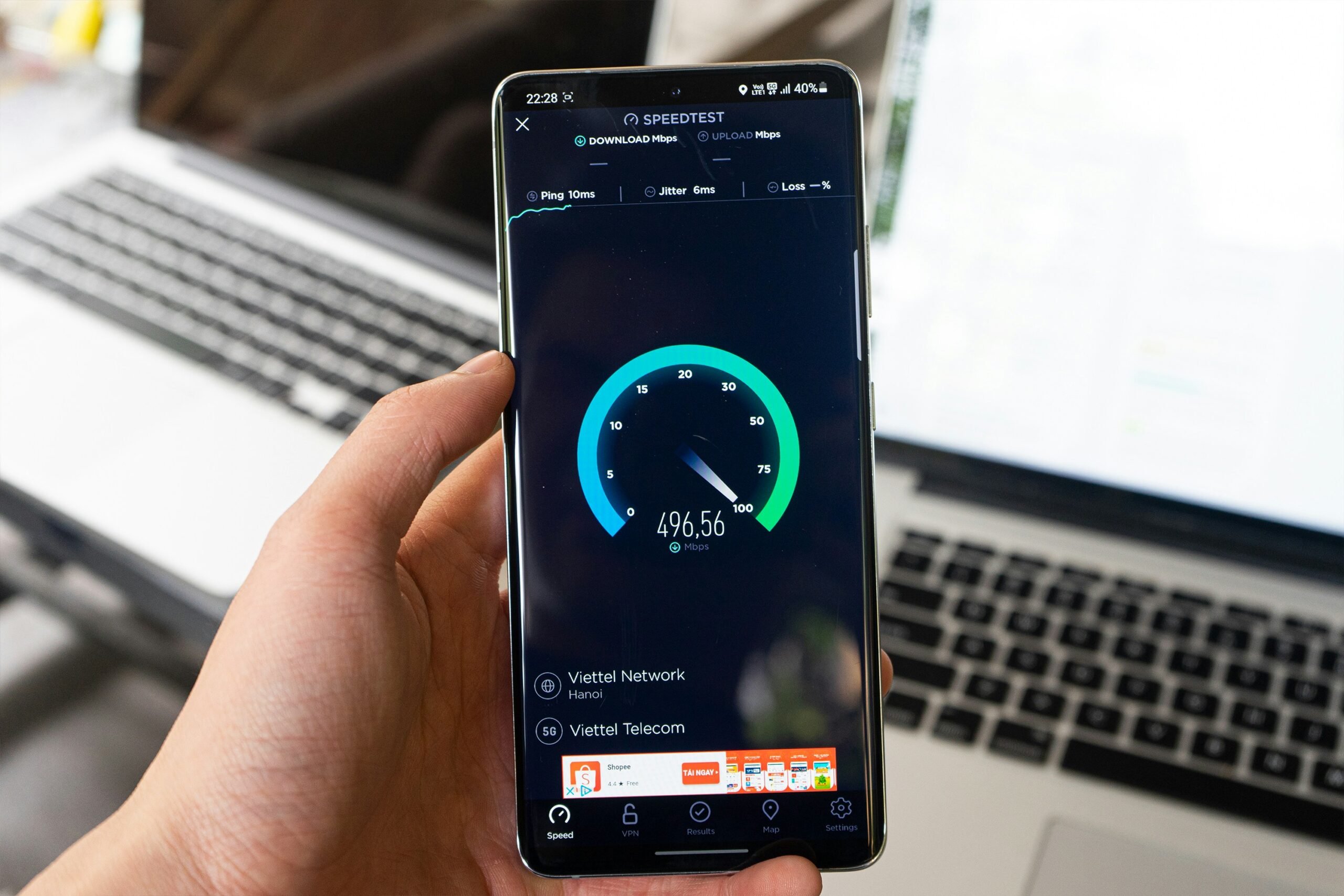
Yes. If your phone is using mobile data, or your TV device is connected through a phone’s hotspot, IPTV playback uses that mobile allowance. A hotspot does not make the stream more data-efficient; it simply shares the phone’s connection with another device.
Before watching for a long period on mobile data:
- Check how much data remains in your allowance.
- Estimate the session length using the bitrate formula above.
- Check whether your mobile plan applies fair-use limits, speed restrictions or roaming conditions.
- Keep an eye on your phone’s data-usage settings during the session.
When travelling, check the terms of your mobile plan before streaming over roaming data. Allowances and charges depend on your contract and destination.
How to reduce IPTV data use
Choose a lower stream quality when available
If your app or service offers a choice of stream quality, a lower-bitrate option can reduce data use. The trade-off is picture detail, so choose a setting that remains comfortable to watch on your screen.
Stop playback when you are not watching
Pause or close the stream rather than leaving live TV playing in the background. This is a straightforward way to avoid using data for a screen nobody is watching.
Check which device is using the data
Some phones, routers and broadband accounts provide usage summaries. Compare the readings before and after a viewing session if you want a real-world estimate for your own setup. Other household activity can affect the total, so test when practical.
Use a stable connection, but do not confuse speed with data
A faster broadband package does not automatically make one stream consume more data. Connection speed is the capacity available; the stream’s bitrate and duration determine its approximate data volume. Ofcom’s broadband guidance explains how different speeds suit different household activities.
Does IPTV need unlimited broadband?
Unlimited broadband can make it easier to watch regularly without tracking every gigabyte, but whether you need it depends on your household’s total use and the terms of your package. Consider all online activities—not just IPTV—including other video streaming, game downloads, cloud backups and multiple people using the connection.
If your package has a data cap, compare your estimated IPTV usage with the allowance and leave room for everything else. Check your provider’s current terms rather than assuming every UK broadband package has identical limits.
Data usage is different from buffering
Data volume and connection speed are related to streaming in different ways. A stream may use a modest amount of data overall but still buffer if the connection is unstable or congested. Conversely, a fast connection can deliver a high-bitrate stream that uses a large monthly allowance.
If playback keeps stopping, troubleshoot the connection and app separately. Our Installation Guide can help with compatible device setup, and the FAQs cover common questions. For subscription details, see the UKStreamDeals pricing page.
Frequently asked questions
How many GB does IPTV use in one hour?
It depends on bitrate. As a rough calculation, a 5 Mbps stream uses about 2.25 GB per hour, while a 20 Mbps stream uses about 9 GB per hour. These are estimates, not fixed figures for every channel.
Does IPTV use more data in 4K?
Often, yes, because 4K streams commonly use higher bitrates. The exact amount depends on encoding and the stream’s actual bitrate, not the resolution label alone.
How much data does two hours of IPTV use?
Multiply the stream’s average bitrate in Mbps by 0.9. For example, a 5 Mbps stream uses approximately 4.5 GB over two hours.
Will IPTV use my phone’s data allowance?
Yes, when you watch using mobile data or a phone hotspot. Check your plan’s allowance and any roaming or fair-use terms before a long session.
Does a faster internet package increase IPTV data use?
Not by itself. The stream’s bitrate and viewing time determine approximate data use. A faster connection may support higher-quality streams, but it does not force a stream to use the full available speed.
How can I check my actual IPTV data use?
Use your device, router or internet provider’s usage tools where available. Compare readings over a known viewing period, while accounting for other devices and household activity.
Final checklist
- Estimate usage from the stream’s bitrate, not your broadband’s advertised speed.
- Multiply by your actual viewing hours and number of screens.
- Check mobile data, hotspot and roaming limits before watching away from home.
- Stop playback when nobody is watching.
- Use device or broadband usage tools to compare estimates with real usage.
Bottom line: IPTV data use is driven by bitrate and viewing time. A simple calculation can help you plan a monthly allowance, while checking your own device or broadband usage gives you a more realistic picture of your household’s needs.
